
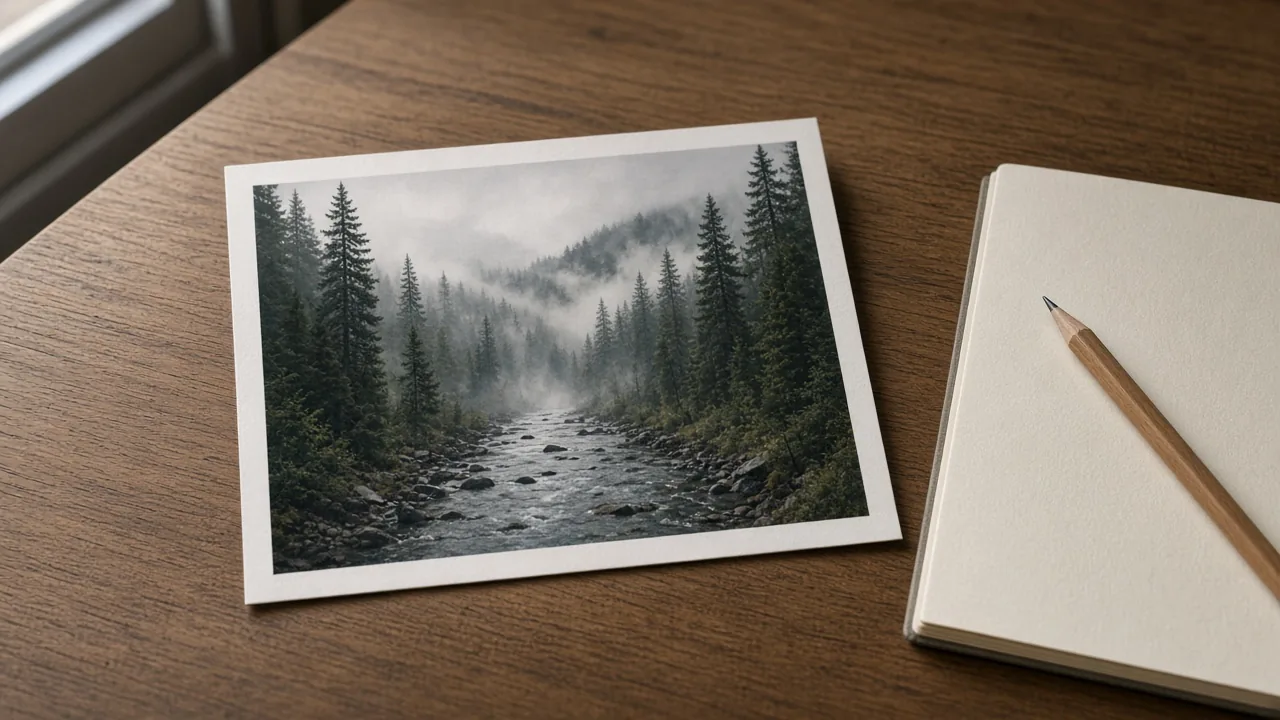
Alt text and a caption are two different sentences. Alt text tells someone who cannot see the picture what is in the frame. A caption tells a reader who can see it why you are showing it. A tool will mix them up unless you give it one job at a time.
Key takeaway. Write five true words yourself. Ask for alt text, then ask for a caption. Delete any place, species, or person the tool added.
This walkthrough uses a photograph you already took. The pictures in this article are AI-assisted illustrations of the steps, not screenshots of ChatGPT, Claude, or Grok, and not from a client's session.
Quick answers
| Job | Length I aim for | Must be true | Must leave out |
|---|---|---|---|
| Alt text | One sentence, usually under 140 characters | What a person would see | "Image of", hashtags, a joke, a place you cannot verify |
| Caption | One to three sentences | The useful detail the picture does not prove by itself | A species, a price, or a story you did not check |
| Social teaser | 40–80 words, written separately | A question about the reader | The whole article |
What you need on the desk
One photograph you took. A notes app or a piece of paper. Whatever chat tool you already use. Any tool works. The check at the end is the same.
Write five words on the paper before you open the tool: the place if you know it, the season if you know it, and the thing in the center of the frame. If you do not know the place, write "place unknown." The tool is not allowed to upgrade that to a park.
Step 1. Say what is in the frame, in your own words
Look at the photograph for thirty seconds. Write one plain sentence. No metaphor. "Fog fills the valley and red trees are on the near slope" is a sentence. "Magic morning in the mountains" is not, because a screen reader user cannot do anything with it, and neither can you when you fact-check it later.
If a person is in the frame, do not name them unless they have agreed to be named, and do not describe a child in a way that identifies them. I do not put client photographs or minors in this workflow at all.
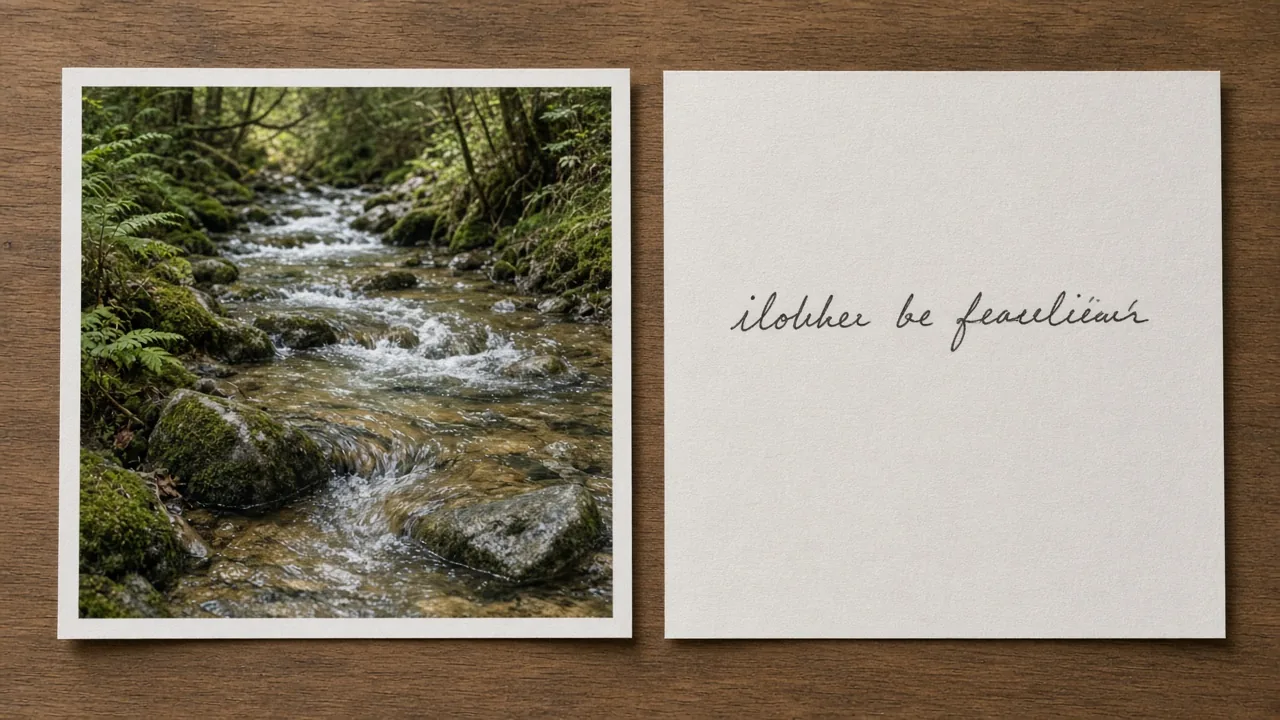
Step 2. Ask for alt text only
Paste the photograph if the tool accepts images. If it does not, paste your sentence. Then paste this prompt and change only the bracketed line.
You are writing alt text for a photograph I took.
Use only what is visible, plus this note from me: [your five words].
One sentence. No hashtags. Do not start with "image of" or "photo of".
Do not name a species, a park, a price, or a person unless my note already did.
If you are not sure, leave it out.
Read the reply next to the photograph, not in another tab. Every noun has to be something you can point at. If the tool says "Shenandoah" and your note said "place unknown," delete Shenandoah. If it says "black bear" and you are not sure, delete the species. A wrong animal is worse than "a dark animal in the leaves."
The fog overlook in my Skyline Drive fall color post is the feel I am after: fog, autumn trees, a ridge, and nothing the picture cannot support.
Step 3. Ask for a caption only after the alt text is done
A caption may add the practical note: which overlook, what the park charges, why you turned around. It still may not invent those facts. Paste this second prompt. Do not reuse the first reply as if it were a source.
Write a caption for a reader who can see the photograph.
Alt text, already edited by me: [paste your edited alt text].
Facts I have checked: [paste only facts you can point to a page for].
Two or three sentences. No hashtags. No call to buy anything.
If a fact is not in my list, do not add it.
If you have no checked facts, the caption should stay almost as plain as the alt text. That is a successful result. A thin true caption beats a lively false one.
Step 4. Edit with a fixed list
I keep this list beside the keyboard. The tool does not get a vote on it.
- Can I point to every object the sentence names?
- Did a place name appear that I did not type?
- Did a species appear that I did not confirm?
- Does the alt text start with "image of"? Cut that.
- Does the caption repeat the alt text word for word? Rewrite the caption so it adds the useful part, or keep them the same on purpose and stop.
- Are there hashtags, emoji stacks, or a price? Remove them unless the price is on the page you are linking.
- Would I say this sentence out loud to a neighbor? If it sounds like an ad, it is not done.
Then I read both sentences once more from the end to the start. That is when a stray "stunning" shows up.
Step 5. Put each sentence in the right box
Alt text goes in the blog image's alt field, the social network's alt field, and the shop listing's alt field. It does not go in the caption box.
The caption goes under the image on the blog, or in the social post if that post is the whole message. A social teaser for an article is a third piece of writing. It is 40–80 words, it asks the reader a question, and the article link goes in the first comment. Do not paste the alt text into that teaser.
I do not label a photograph I took as AI. I label the sentence help. The illustrations in this article are labeled AI-assisted because I did not take them.
A worked example, labeled as an example
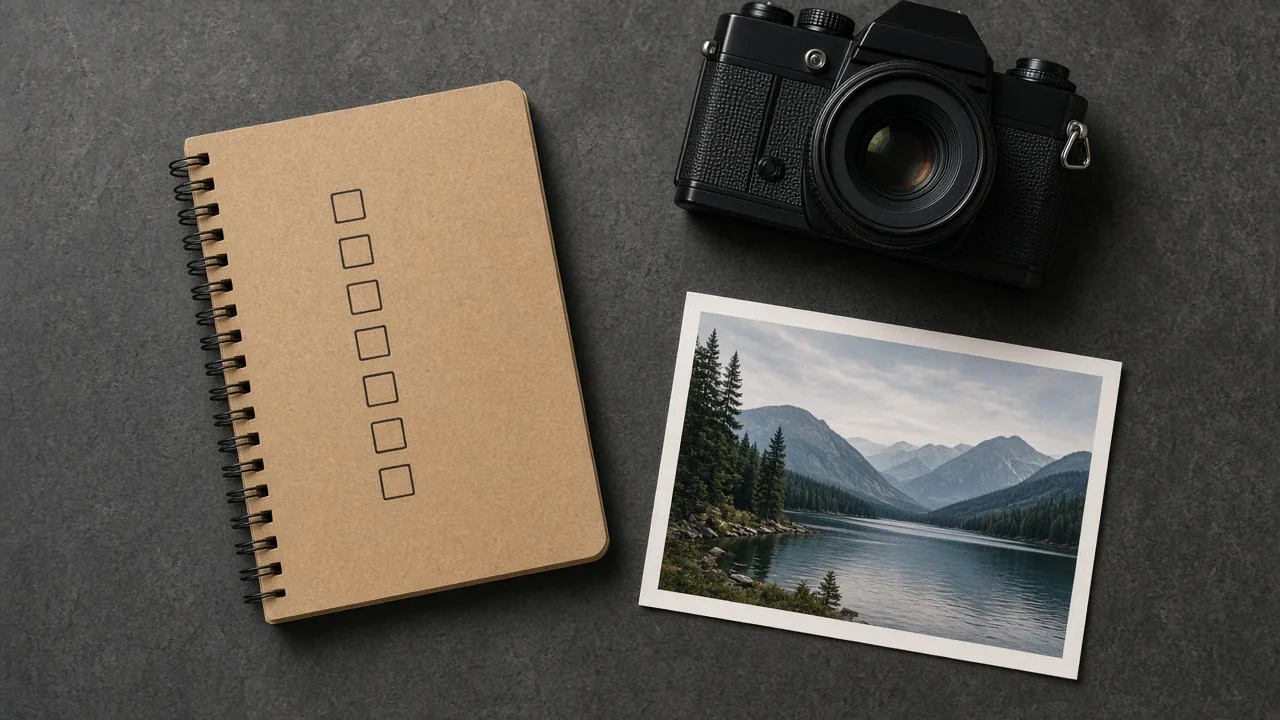
The desk picture at the top of this article is an AI-assisted illustration, so I will not pretend it is a valley overlook. Alt text I would ship for it:
"A printed nature photograph lies on a wooden desk next to a pencil and a closed notebook."
Caption I would ship:
"The sentence starts on paper. The tool does not get the first draft."
Both of those match the illustration. Neither claims a park, a species, or a client. That is the whole standard.
What this is not
This is not a ranking of ChatGPT, Claude, or Grok, and it is not permission to let a tool invent a park.
Where this saves the hour
The hour disappears when you ask one tool to "write a post" and then untangle a park it invented, a bird it guessed, and a caption that repeats the alt text. Two short prompts and the checklist are slower for one photograph and faster for a set of twelve, because the mistakes are the same kind every time.
I would do one photograph tonight, not the whole folder. The comeback is the next photo, with this same checklist. Tomorrow the prompts are already written.
More tool notes are on FosterAi. If the photograph is the thing you want on a wall, the prints are in the shop.
What is the photograph on your desk right now, and which word are you afraid the tool will invent?